The Starting Point: The Obstacle Isn't Technology
Most shop owners and small offices in Libya don't lack enthusiasm for trying AI — what they lack is the answer to one question: where do we start? With so many tools and constant talk of the "coming revolution," the decision turns into endless delay, and the repetitive work keeps eating up the team's day just as before.
The truth is that AI today isn't a huge project that needs a technical team and a big budget. It's usually one small step that solves a clear pain, and then grows on its own if it works.
Where to Start: Look for Repetition and Pain
Before any subscription or tool, sit down for half an hour and write a list of the tasks that repeat every day or every week. Then ask two questions about each task:
- Does it repeat with almost no change?
- Does it consume time from someone whose skills are worth more than the task itself?
The task that answers "yes" to both questions is the right starting point. Don't start from the tool — start from the task.
In the Store: Three Practical Points
Answering repeated customer questions: price, delivery, warranty, how to order. You can prepare ready-made replies or an automated assistant that answers the common ones and passes the rest to an employee. The real benefit isn't a "robot" — it's an employee who isn't stuck answering the same questions a hundred times.
Writing product descriptions: instead of starting from a blank page, the employee is given a first draft of the description, then edits and approves it. The time saved goes into photography and layout.
Analyzing customer messages and turning them into patterns: what gets asked about most? Which product do people complain about? This reading informs purchasing and inventory decisions — it isn't just customer service.
In the Office: Three Similar Points
Summarizing documents and contracts: a long report or a contract of dozens of pages becomes a short summary that the accountant or manager reviews, while the original text remains the reference.
Drafting correspondence and proposals: a formal email, a price quote, following up with a hesitant client. AI suggests a first draft, and you add what it doesn't know: the history of your relationship with the client and the details of the agreement.
Tracking tasks and appointments: turning meeting notes into a list of tasks, owners, and dates. This is the simplest starting point for a small office, and the least risky.
Three Mistakes That Cost Time and Money
The first: buying tools before defining the task. The result is a monthly subscription that gets paid and forgotten.
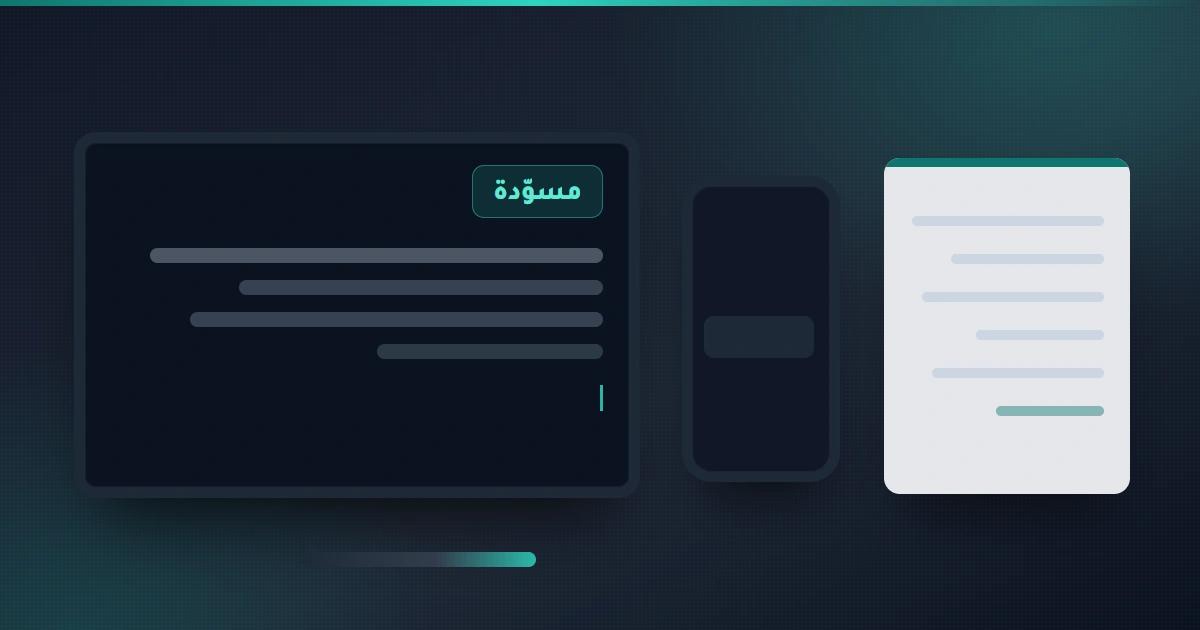
The second: expecting a complete result on the first attempt. AI gives you a draft, not a final delivery. Whoever understands this point saves time; whoever doesn't thinks the tool is a failure.
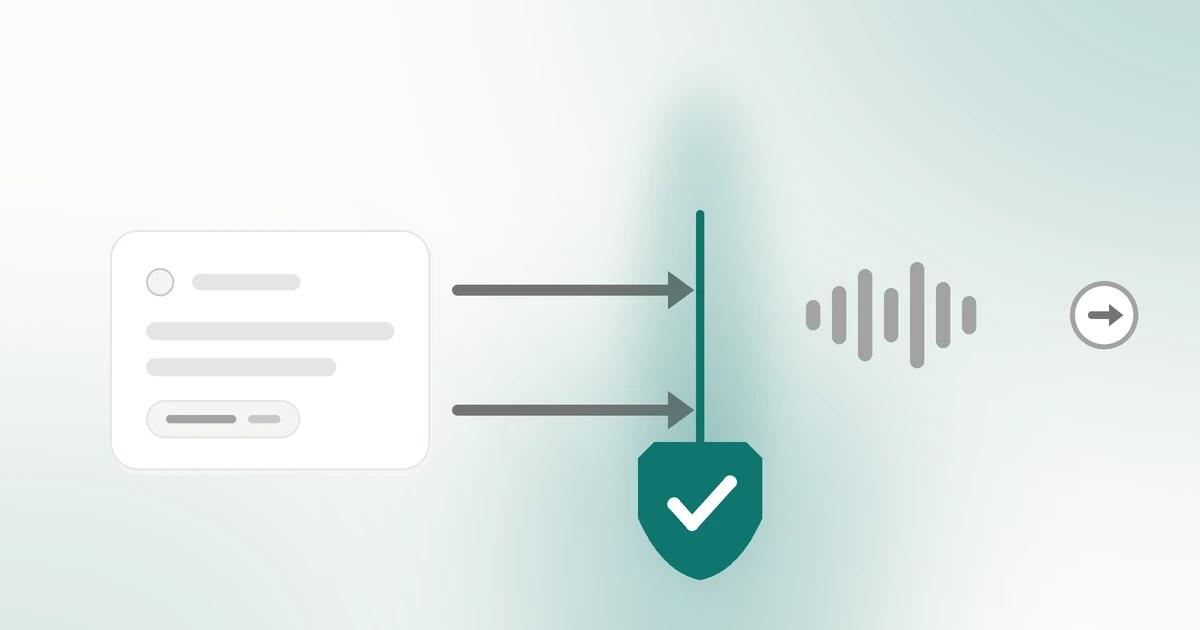
The third: leaving the output with no human review, especially anything sent directly to a customer. A mistake in a price or a delivery promise costs far more than the time the tool saved.
Data and Privacy: Questions Before Any Subscription
Before you upload any file or customer conversation to an outside tool, ask:
- Does the tool keep the data you enter, and for how long?
- Is it used to train its models? And can that be turned off?
- Who owns the account on the tool, and is it allowed to be opened from more than one device?
- Can you export your data later if you decide to stop?
In a small business, the safest course is to keep sensitive customer data (their phone numbers, payment details, personal files) out of any tool whose policies you don't know clearly. Start with general information or documents that carry no personal data.
How Do You Know the Experiment Worked?
Before you start, write down your own current numbers: how many hours does the task take per week? How many business messages go unanswered in time? How many days does it take to prepare a price quote? These are your own measurements, not experts' numbers.
A month later, measure the same way again. The decision will be clear: keep going, change the approach, or stop. Without this measurement, the "experiment" is a feeling, not a result.
A Practical Plan for the First Month
Week one: take stock of the repetitive tasks and choose one task only.
Week two: set up the tool or the ready-made replies for that task, and train the employee who will use it.
Week three: run it for real, reviewing every output before it is sent.
Week four: compare the measurement before and after, then put the decision in writing: we keep it, we cancel it, or we expand to a second task.
An important note: any timeline here is a management suggestion, not a promise of a result, and the actual time to implement depends on the size of your business and your team and needs confirmation from each business owner according to their own situation.
Conclusion: Profit Starts with Time Saved
The link between AI and profit in a small business isn't direct through "more sales" — it is indirect first: time returned to the employee, faster replies to the customer, faster output and lower fixed costs. These small savings are what later turn into tangible profit.
And you don't need to run everything in one day. One task, one month, one clear measurement. Whoever succeeds with the first finds the road to the second easier.
Sources
- Google — Gemini Notebook (NotebookLM): every answer is grounded in the sources you upload, and chat responses use only data from your sources
- Google Workspace — Gemini in Gmail, Docs and Meet, including turning meetings into action items in Meet
- Microsoft Copilot — integrated into Word, Excel, PowerPoint, Outlook and Teams, where your work already happens
- Meta — WhatsApp Business Platform: the docs state verbatim "Thread control: Manage handoffs between the AI agent and human agents"
- Google — Gemini Apps Privacy Hub: how long data is retained, controlling its use via the Keep Activity setting, and requesting export of your information
- Microsoft Learn — "Data, Privacy, and Security for Microsoft Copilot": prompts, responses and Graph data are not used to train the foundation LLMs, and who owns the generated content
- Google — official Gemini Apps documentation: "Gemini Apps can make mistakes", so double-check responses and don't rely on them for professional advice
This article was produced with the help of AI tools and reviewed by a human before publication.