Artificial intelligence is no longer a conference topic we discuss and then leave behind. It sits inside the software we open every morning: the word processor, email, spreadsheets, the design canvas, the notes app. It forecasts no numbers: this guide covers what you can hand to an AI tool today, where it stops, and how to start.
What has actually changed in work tools?
The important shift is not a standalone clever chatbot but these capabilities moving inside the tools themselves. Google weaves Gemini into Gmail, Docs, Sheets, Meet and Chat, alongside the standalone Gemini app. Microsoft describes Copilot as combining language models with your business data and everyday apps such as Word, Excel, PowerPoint and Teams, noting that using it inside those apps requires a qualifying Microsoft 365 licence. In Notion, the assistant works inside pages and databases, with enterprise search across connected apps such as Slack and Google Drive. Canva moved from scattered features to a design assistant that accepts a description by typing or by voice, and Claude is built around handing over a full task, then checking back from your phone for a document.
The conclusion: you need less to learn a new program than to know which button in the one you already use does this.
Five daily tasks you can hand over now
- Transcribing recordings. Speech-to-text tools turn a meeting or a voice note into searchable text. OpenAI's Whisper, announced in September 2022, was trained on 680,000 hours of multilingual audio data; about a third of that data is non-English, and its models and inference code were released as open source.
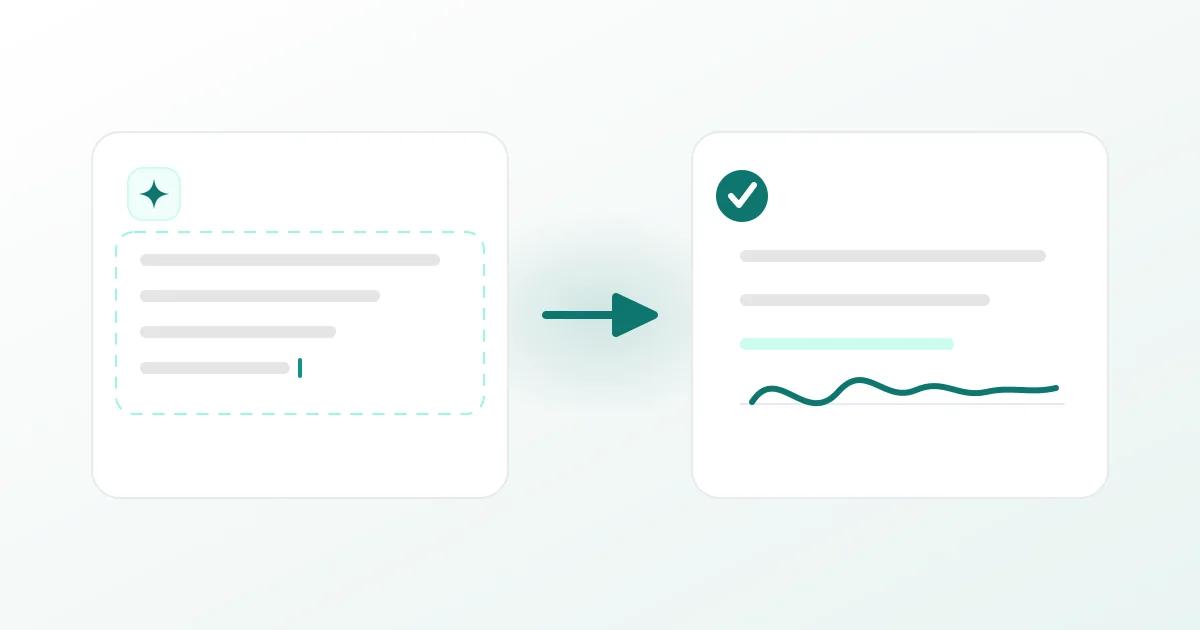
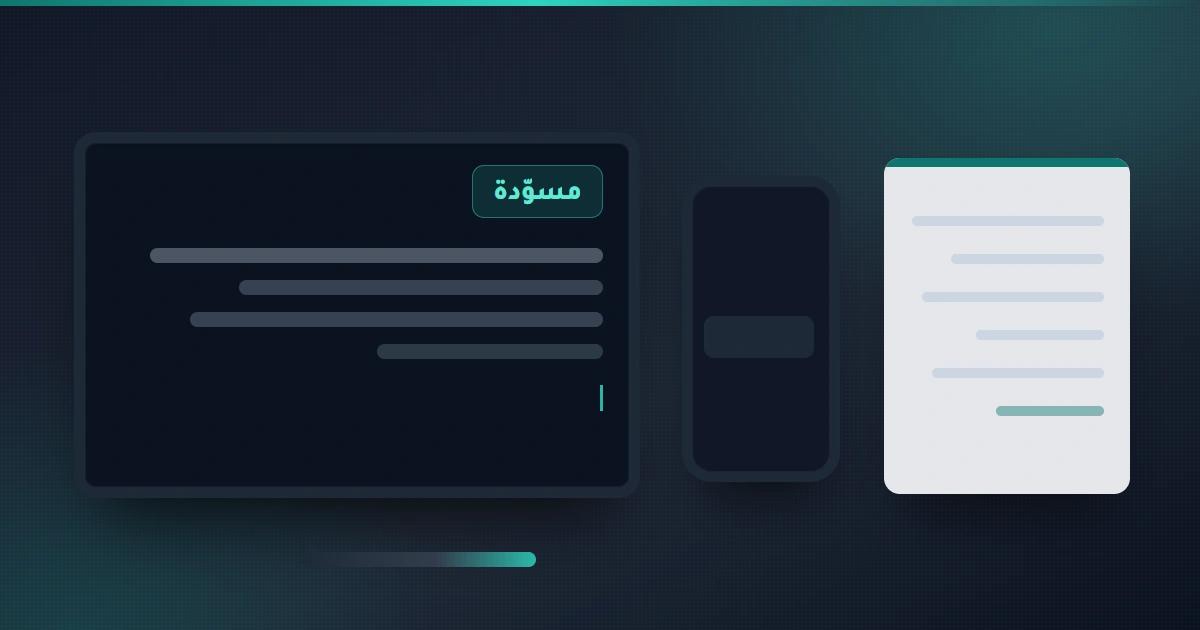
- First-draft writing. A formal message, a service description or a marketing post can come out in a minute, then you edit it — the assistants built into text editors suit exactly this.
- Turning long into short. Reports, early-stage contracts, specification files: ask for bullet points, then return to the original text for anything decisive.
- Simple design assets. A post, a presentation, a rough ad image — while keeping fonts and colours aligned with your brand.
- Turning data into a table or a report. Organising a price list, expenses or stock into a tidy table, then checking the numbers by hand before any use.
All five produce drafts. None of them makes the decision.
Where these tools go wrong — and how to handle it
The clearest admission comes from the companies themselves. OpenAI's introductory page for ChatGPT states plainly that the model may write answers that sound plausible but are incorrect, and that it is sensitive to how a question is phrased: it may claim not to know an answer in one wording and answer correctly in another.
In practice that means three non-negotiable controls:
- Any number, name or date coming out of the tool is an unverified draft until you see it in a primary source.
- Never paste tool output as-is into a contract, a quotation or a formal announcement.
- Keep the tool on the long path: planning, ordering, first drafts — not the final path.
Before you paste any file: one question
Policies differ from one tool to the next. Notion states that your data is encrypted in transit using TLS 1.2 or greater, while Copilot's enterprise rules depend on the company licence and administrator settings. So: if a file holds customer data, special prices or anything sensitive, read the policy first — and if it is unclear, do not paste it.
What this means in practice for the Libyan market
Most businesses here run on a small team: an agency, a shop, a clinic, a restaurant, or a freelancer working alone. A small team gains the most: time, not budget, is its scarcest resource. The tasks that eat its week — writing an ad, translating a description, transcribing a meeting, preparing a presentation — are what the tools above finish in minutes as a first draft.
Against that, local reality imposes two conditions. First, working Arabic here is not only Modern Standard Arabic, and local dialect is under-represented in most of these models, so human review stays necessary before anything is published. Second, tools designed with Arabic in mind are growing: Arabic-first models exist, among them ALLaM, developed by Arabic Language Technology (ALT) at the National Center for Artificial Intelligence under Saudi Arabia's Data and AI Authority. There are no guarantees; the real measure is whether the tool saved you hours this month or doubled your review work.
Start with three steps this week
- Pick one recurring task. Not five. The task that repeats weekly is the best starting point.
- Prepare your reference sample. Your tone, your terminology, examples you accept and reject. That sample raises draft quality more than switching tools.
- Enforce double verification. Every number, name or date that passes through the tool is checked by hand before it leaves your desk.
You need not adopt every tool, nor reshape your work; just know which task you hand over and which stays with you.
It is a practical guide, not financial or legal advice.
Sources
- OpenAI — official ChatGPT page: states plainly that answers may look plausible yet be wrong
- OpenAI — official ChatGPT features documentation (browsing, voice, search, files, scheduled tasks)
- OpenAI — Whisper announcement: multilingual speech-to-text, 680,000 hours, open models
- Google Workspace — Gemini inside Gmail, Docs, Sheets, Meet and Chat
- Microsoft — Copilot page: Word, Excel, PowerPoint and Teams, and the qualifying licence inside those apps
- Notion AI — assistant inside pages and databases, enterprise search, and encryption in transit with TLS 1.2 or greater
- Canva — Canva AI: a design assistant that accepts a description typed or spoken and follows brand identity
- Anthropic — Claude: hand over a whole task, then follow it from your phone for a document or a deck
- ALLaM — an Arabic language model built by ALT at the National Center for Artificial Intelligence (NCAI) under the Saudi Data and AI Authority (SDAIA)
This article was produced with the help of AI tools and reviewed by a human before publication.